
01
Realistic Photos
Create lifelike portraits, places, food photos, and everyday scenes with natural lighting and detail.
Free credits for new users
Turn your prompt into an image, choose a format, and download your favorite result.
Describe your idea, choose your settings, and generate.
The created image result will appear here
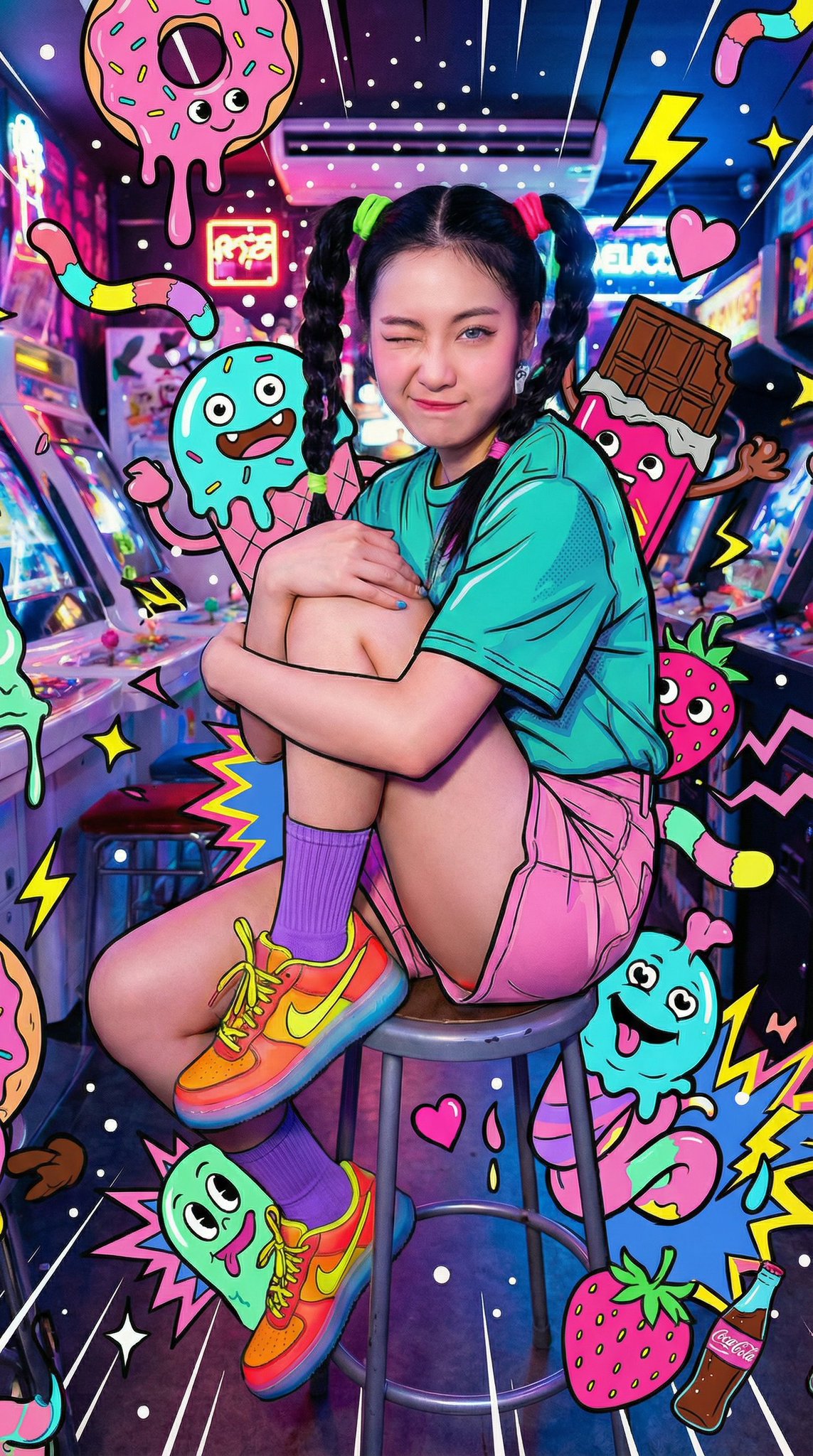
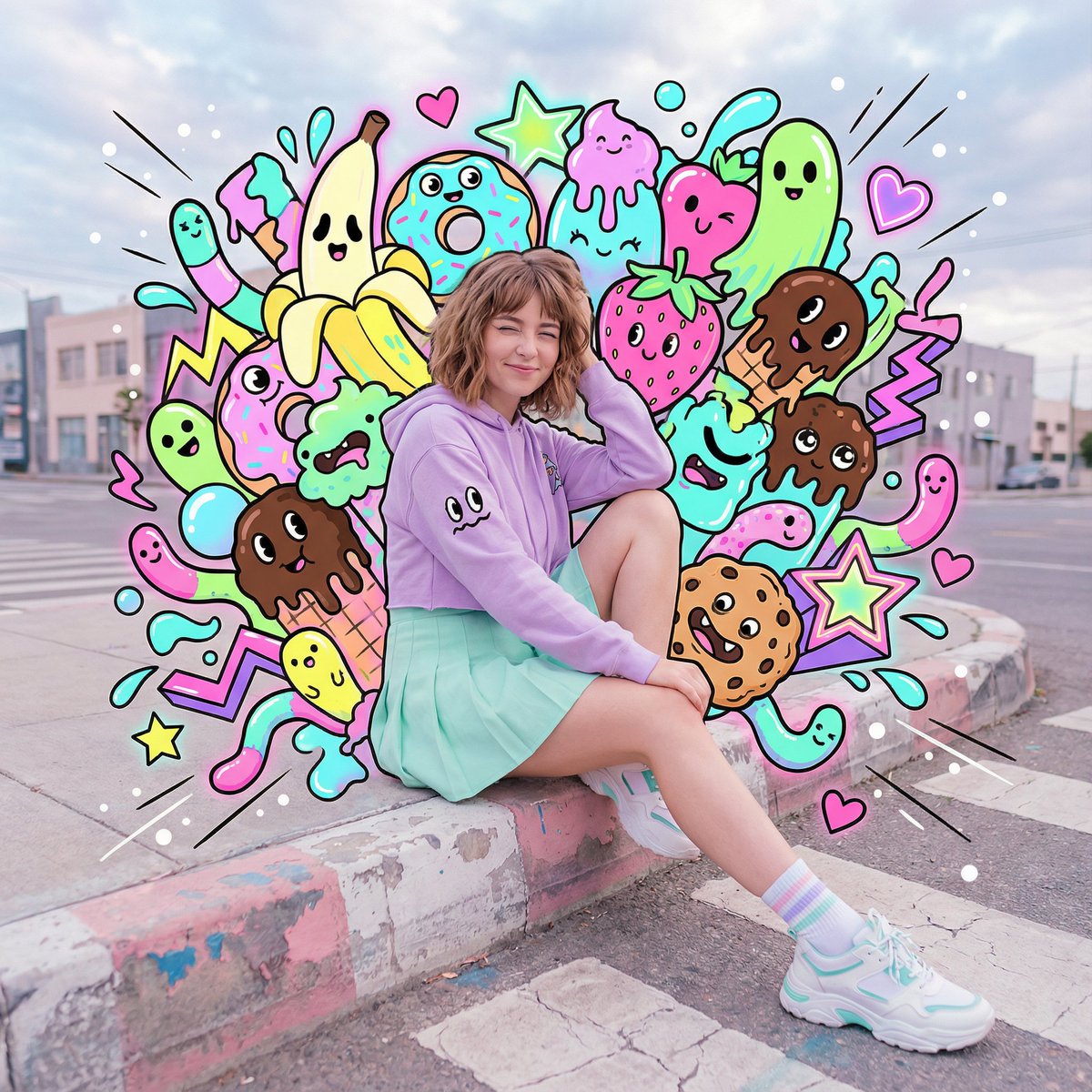
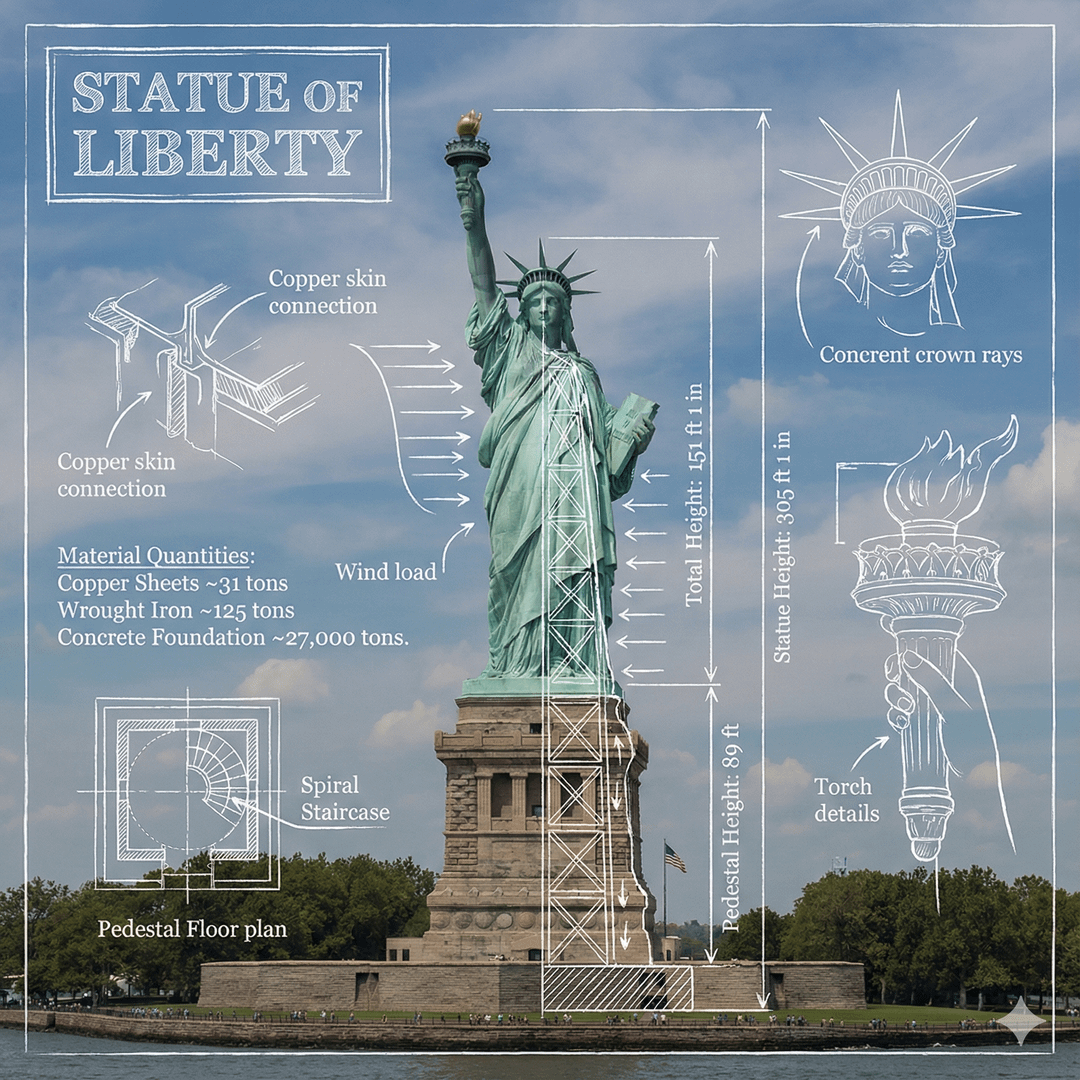
Click image to view full size • Swipe or use arrows to see more
Create images from text
Create photos, product visuals, illustrations, and more from a simple prompt.
Create lifelike portraits, places, food photos, and everyday scenes with natural lighting and detail.
Explore product backgrounds, studio lighting, materials, colors, and presentation ideas before a final shoot.
Generate anime characters, storybook scenes, digital paintings, posters, and other illustrated styles.
Make visuals for posts, stories, thumbnails, banners, and seasonal campaigns in the format you need.
Visualize characters, clothing, props, environments, and key scenes for stories, games, comics, or personal projects.
Create city views, interiors, landscapes, fantasy worlds, and clean backgrounds for further editing.
Start with a clear prompt
Use these examples to turn a clear prompt into a polished image.
Realistic photo
Combine a clear subject, location, light, and photography style.
Example prompt
A friendly golden retriever relaxing in a sunlit living room, editorial photography, warm natural colors, soft window light.
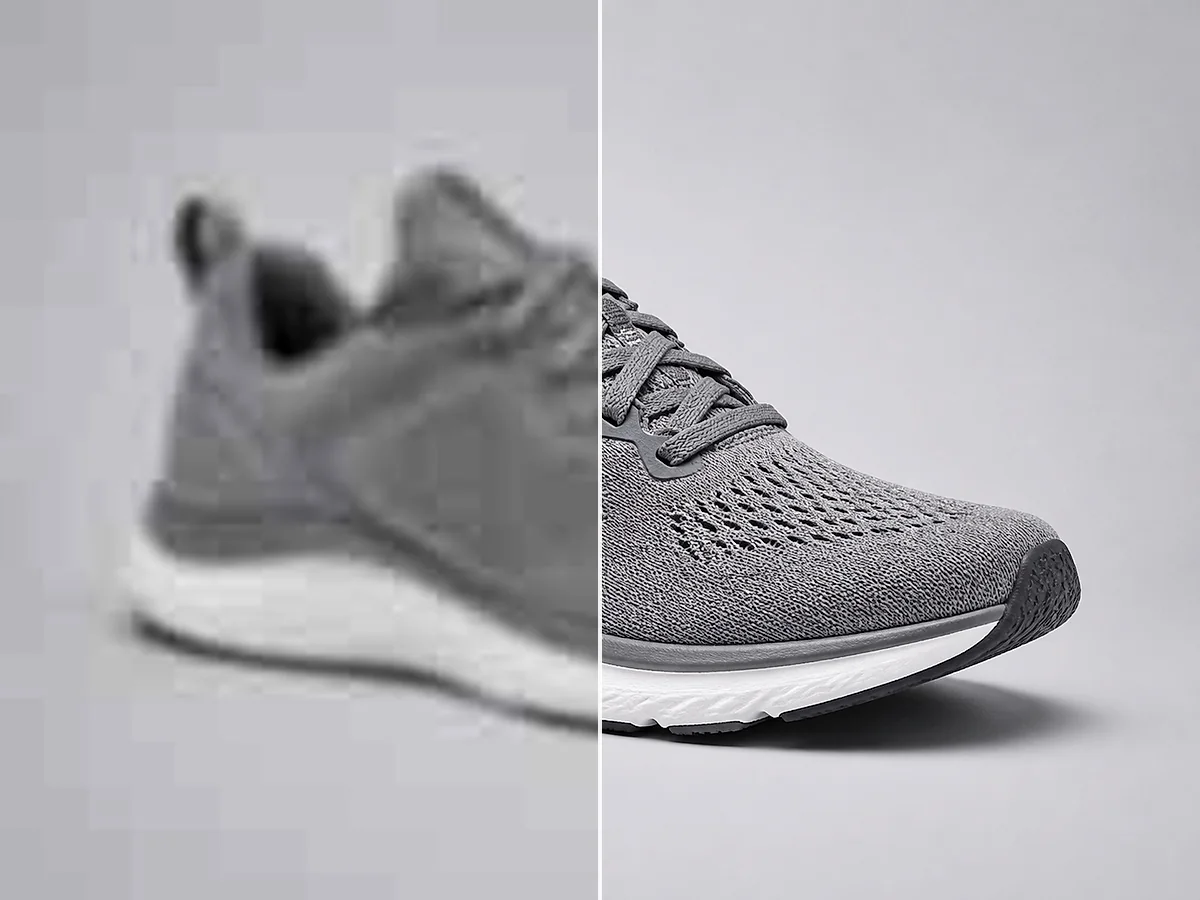
Product image
Describe the product, surface, background, and type of lighting.
Example prompt
A minimal skincare bottle on pale stone, soft studio lighting, warm beige background, realistic product photography, clean composition.
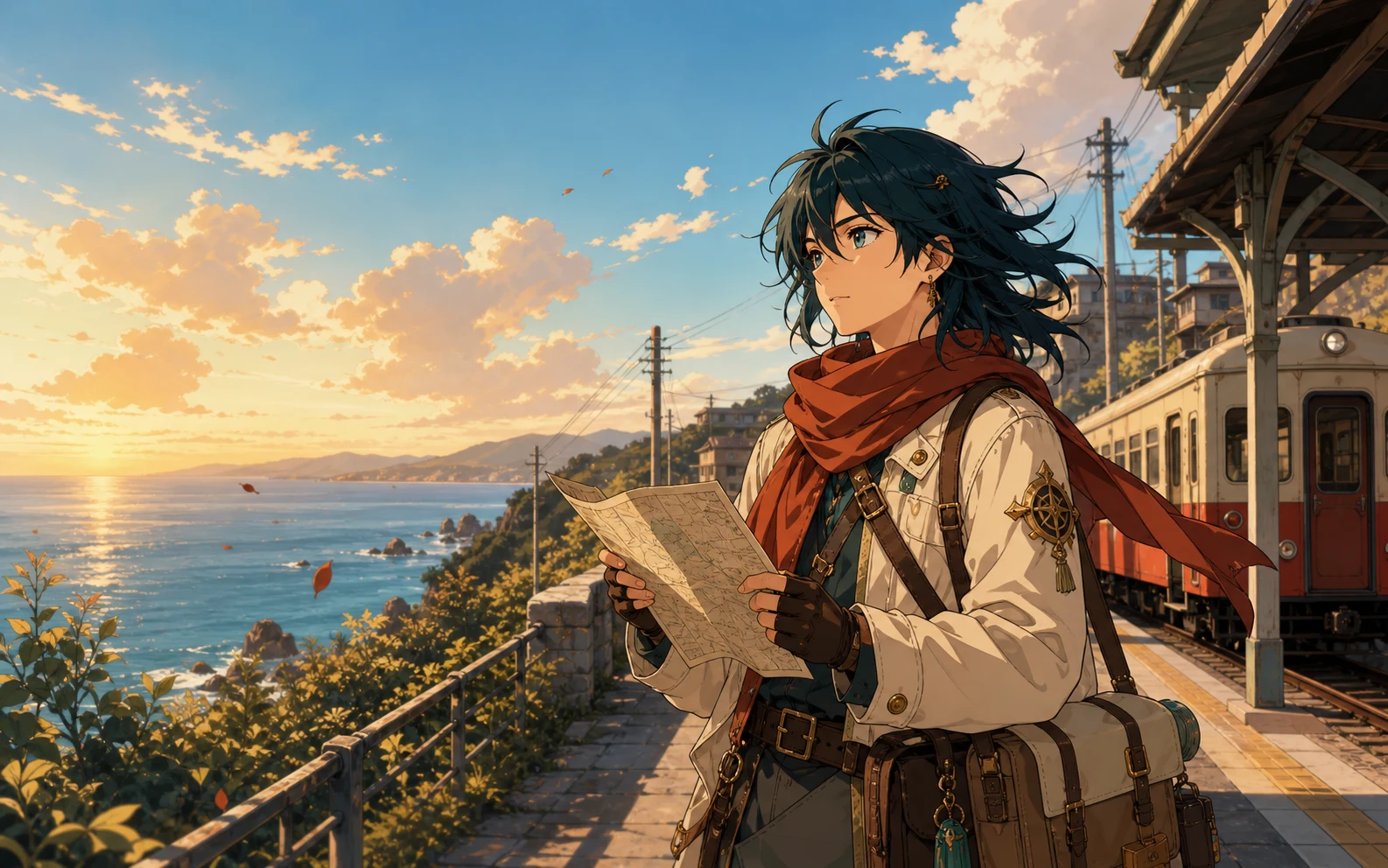
Anime illustration
Name the character, setting, mood, colors, and illustration style.
Example prompt
An anime traveler waiting at a quiet coastal train station at sunset, gentle ocean breeze, warm pastel colors, detailed background.
Concept art
Build a clear scene with a location, atmosphere, time, and visual direction.
Example prompt
A small astronaut exploring a glowing indoor garden, glass ceiling, blue and green plants, cinematic lighting, detailed concept art.
Prompt, generate, download
Describe your idea, choose the settings, and download your result.
Write what you want to see. Include the main subject, setting, style, colors, lighting, and camera view when those details matter.
Select an AI model, choose an aspect ratio, and decide whether to create one, two, three, or four images.
Create your images, compare the results, and download the version that best matches your idea.
More ideas, less setup
Create and compare images without starting from a blank canvas.
Describe the image in everyday language instead of drawing every element from scratch.
Generate up to four images from one prompt and compare different compositions, colors, and details.
Use square, portrait, landscape, or wide aspect ratios for posts, stories, presentations, thumbnails, and banners.
Continue with image editing, enhancement, background removal, or upscaling when your image needs a finishing pass.
Ideas for everyday projects
Make original visuals for marketing, products, stories, and presentations.
Social media and marketing
Generate images for social posts, advertisements, thumbnails, banners, and seasonal campaigns.
Product design
Test backgrounds, lighting, materials, colors, packaging ideas, and presentation styles before production.
Stories and games
Create characters, environments, props, and key scenes for a story, game, comic, or personal project.
Blogs and presentations
Create a visual that matches your subject and tone when a generic stock photo does not fit.
Finish your generated image
Edit, enhance, or upscale your generated image.
Change objects, backgrounds, lighting, and other details with a text prompt.
Edit an imageImprove clarity, color, lighting, and overall image quality.
Enhance an imageIncrease image resolution and prepare your result for a larger display or export.
Upscale an imageQuestions about AI image generation
Quick answers about prompts, credits, models, and downloads.
An AI image generator turns a written prompt into a new image. It reads details such as the subject, setting, style, colors, lighting, and composition, then creates a visual based on that description.
Yes. New users receive free credits that can be used to try the AI image generator. Your available credits and the total cost are shown before generation.
Each generated image uses 4 credits. If you request several images from one prompt, the workspace shows the total credit cost before you generate them.
Enter a prompt that describes the image you want, choose an AI model and aspect ratio, select the number of images, and click Generate Image.
Start with the main subject and setting. Add the style, colors, lighting, mood, and camera view when they are important. Clear details usually give the model better direction.
The workspace includes Nano Banana 2, Nano Banana Pro, Nano Banana, and GPT Image 2. You can compare the descriptions and estimated generation times before choosing a model.
Yes. You can generate up to four images from one prompt and compare the results before downloading your favorite.
You can choose from nine aspect ratios, including square, portrait, landscape, vertical, and wide formats for different publishing needs.
Yes. You can use the images you generate for commercial projects, including marketing materials, social media content, presentations, product concepts, and website graphics.
Private generation and no-watermark options are available to Pro users. You can enable either option in the generation workspace.
Your next image starts with a prompt
Describe your idea, choose your settings, and generate.
Open the AI Image Generator